Reports
A report is a PDF document with the findings or the dependencies you select, made at the time you ask for it. Reports are the right format to share with people who do not use the interface, such as the owners of a service or an auditor.
Create a report
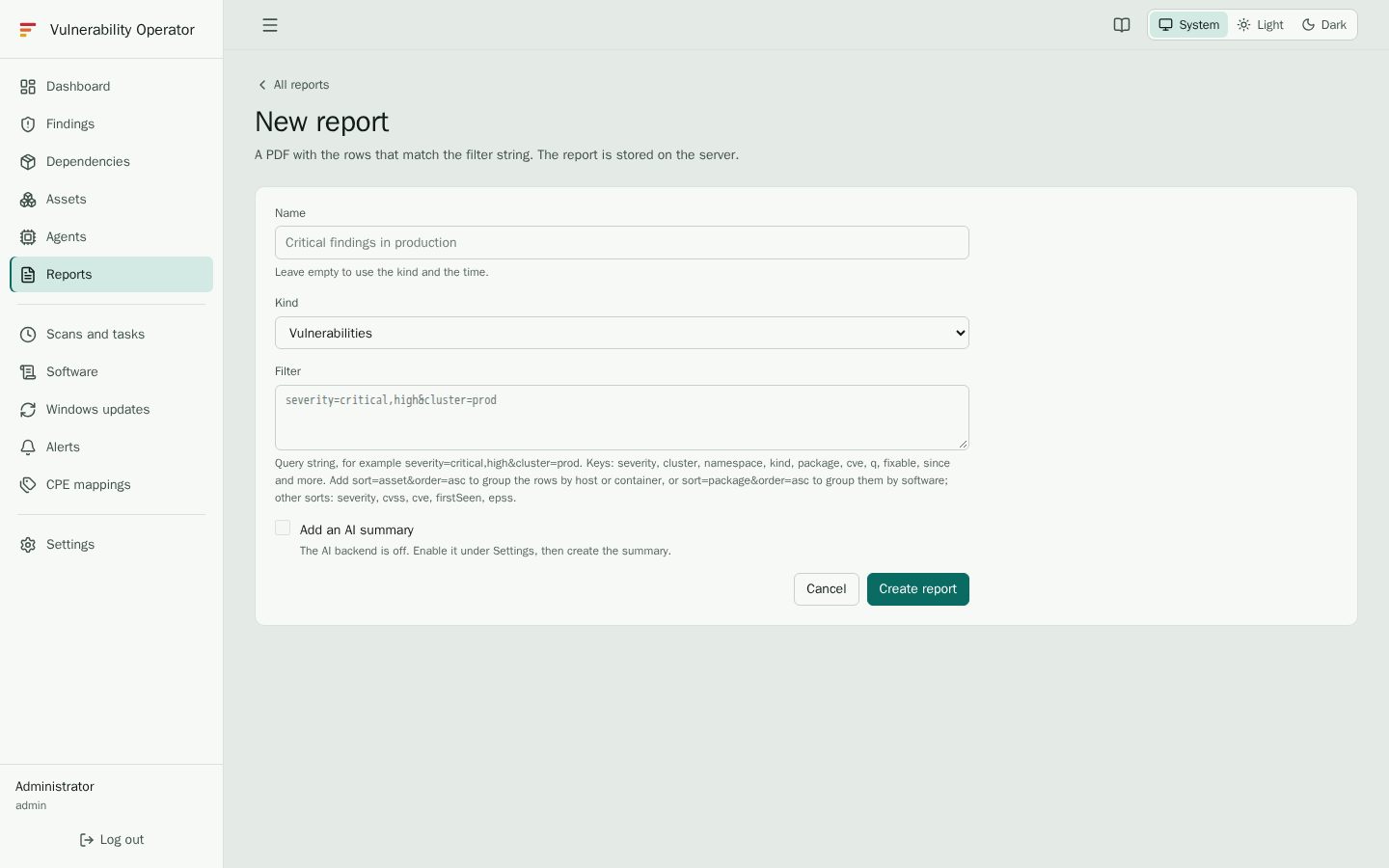
Start from the dashboard or the findings page with the filters you want, then select Create report. The new report form opens with those filters filled in. You can also open Reports and select New report.
- Name a report so that people recognise it, for example Critical and high findings in production.
- Kind chooses what the report lists: Vulnerabilities, Dependencies or Windows updates. A Windows update report lists the Windows hosts and their missing updates, see Windows updates.
- Filter holds the filters as a query, for example
severity=critical,high&cluster=prod. The dashboard fills it in for you. Addsort=asset&order=ascto order a vulnerability report by host or container instead of by severity, which makes patching one machine at a time easier. Addsort=package&order=ascto group the rows by software, so each package's findings sit together. Other sorts areseverity,cvss,cve,firstSeenandepss. The PDF button on the findings page keeps the sort order you chose there. - Optionally, select Add an AI summary. Only administrators see this option, and only when an AI backend is configured, see AI summaries.
In the PDF, each CVE identifier is a link to its page in the National Vulnerability Database (NVD). Open the PDF in a viewer with internet access to follow them.
Select Create report to start it. A report shows Creating the PDF while the server renders it. When it is ready, its row offers the download.
The report list
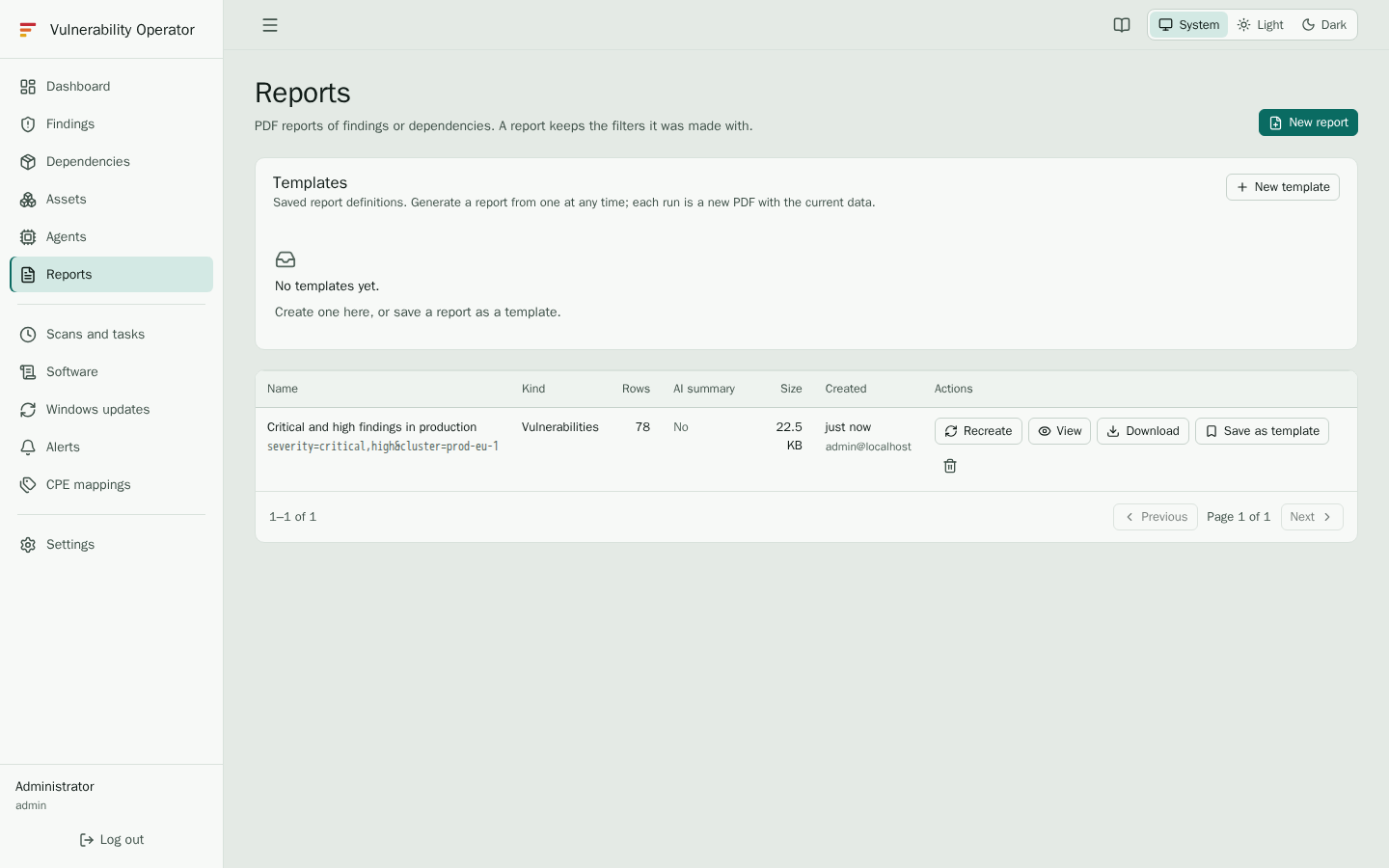
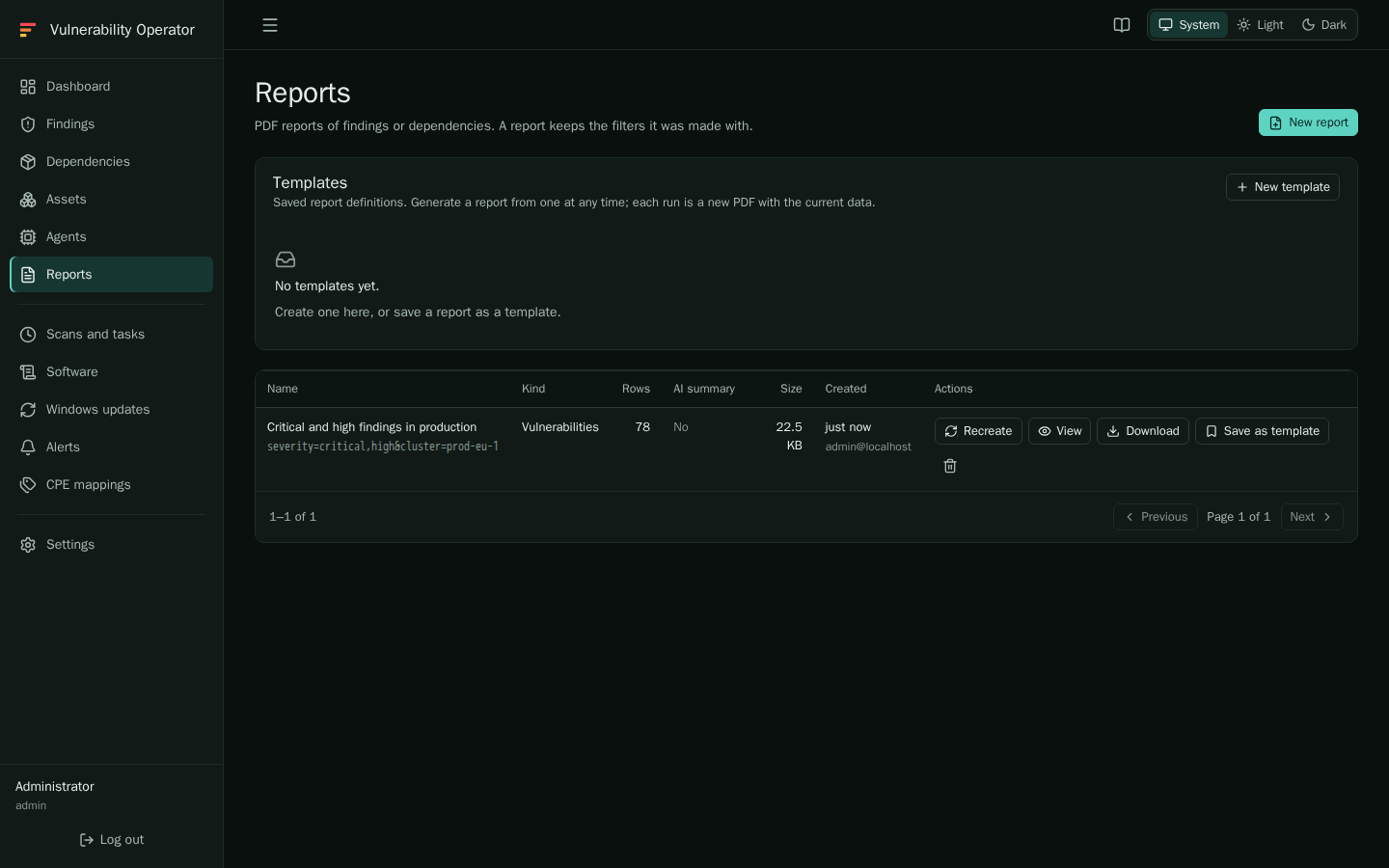
The list shows the name, the kind, whether the report has an AI summary, when it was created and the actions you can take. A report that fails shows Failed; the error is shown in its row. Correct the filter or the name, and use Recreate.
Reports keep the data of the time they were made. To update one, use the Recreate action: it makes a new PDF from the same name and filters, with the current data.
Report templates
A report template is a saved report definition, with its name, kind and filter. Generate a report from a template at any time, with the template's own action. Each run is a new PDF with the current data, and the template itself does not change. Templates are created by users who can manage reports.
Limits
A report lists at most the number of rows the administrator set, 10,000 by default. If a report stops short, narrow its filter and create a second report.