Dependencies
The Dependencies page lists every package in the inventory, whether or not it has a vulnerability. Use it to answer "do we run this at all?" and "where is it?", which the findings do not answer when a package is clean.
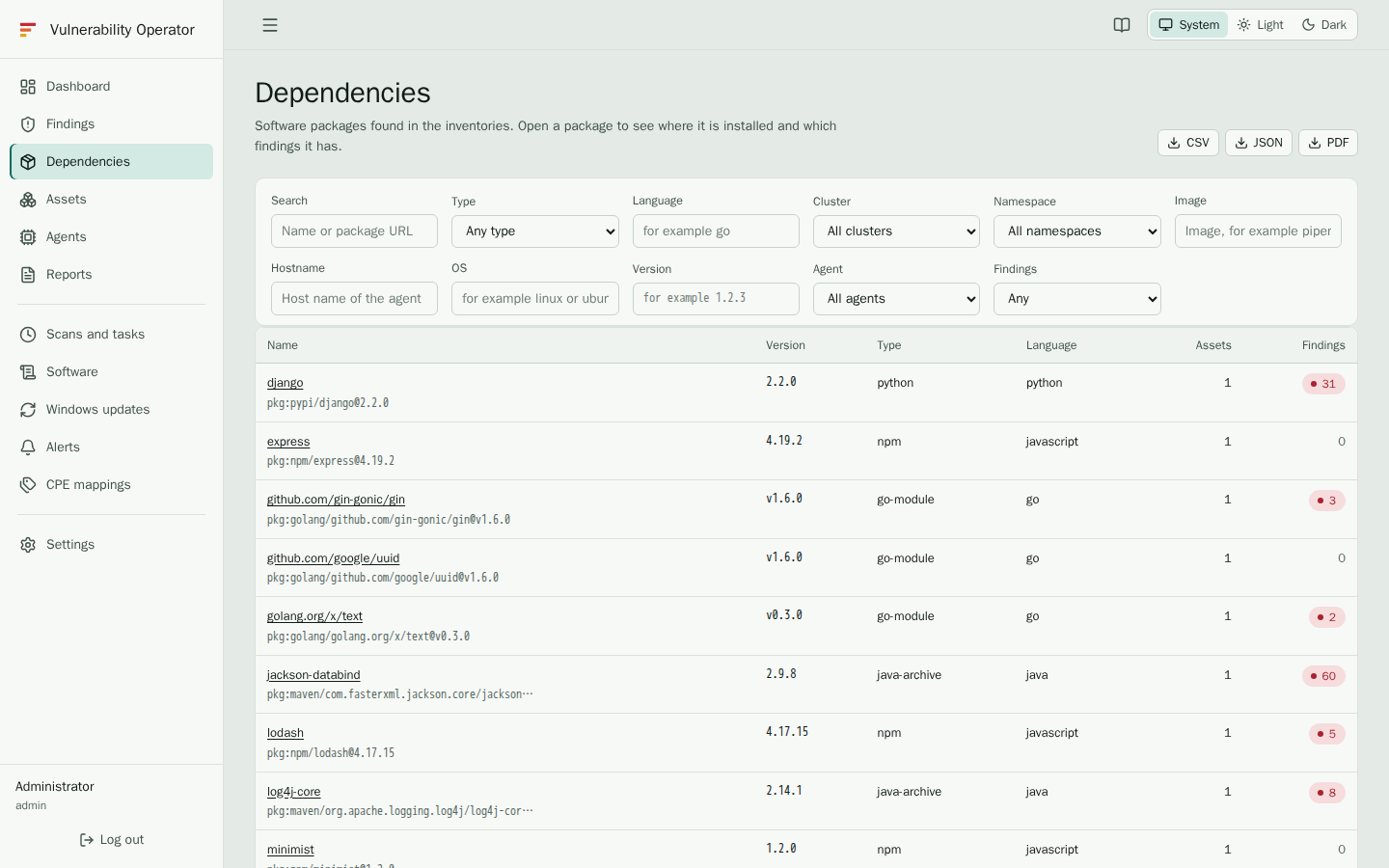
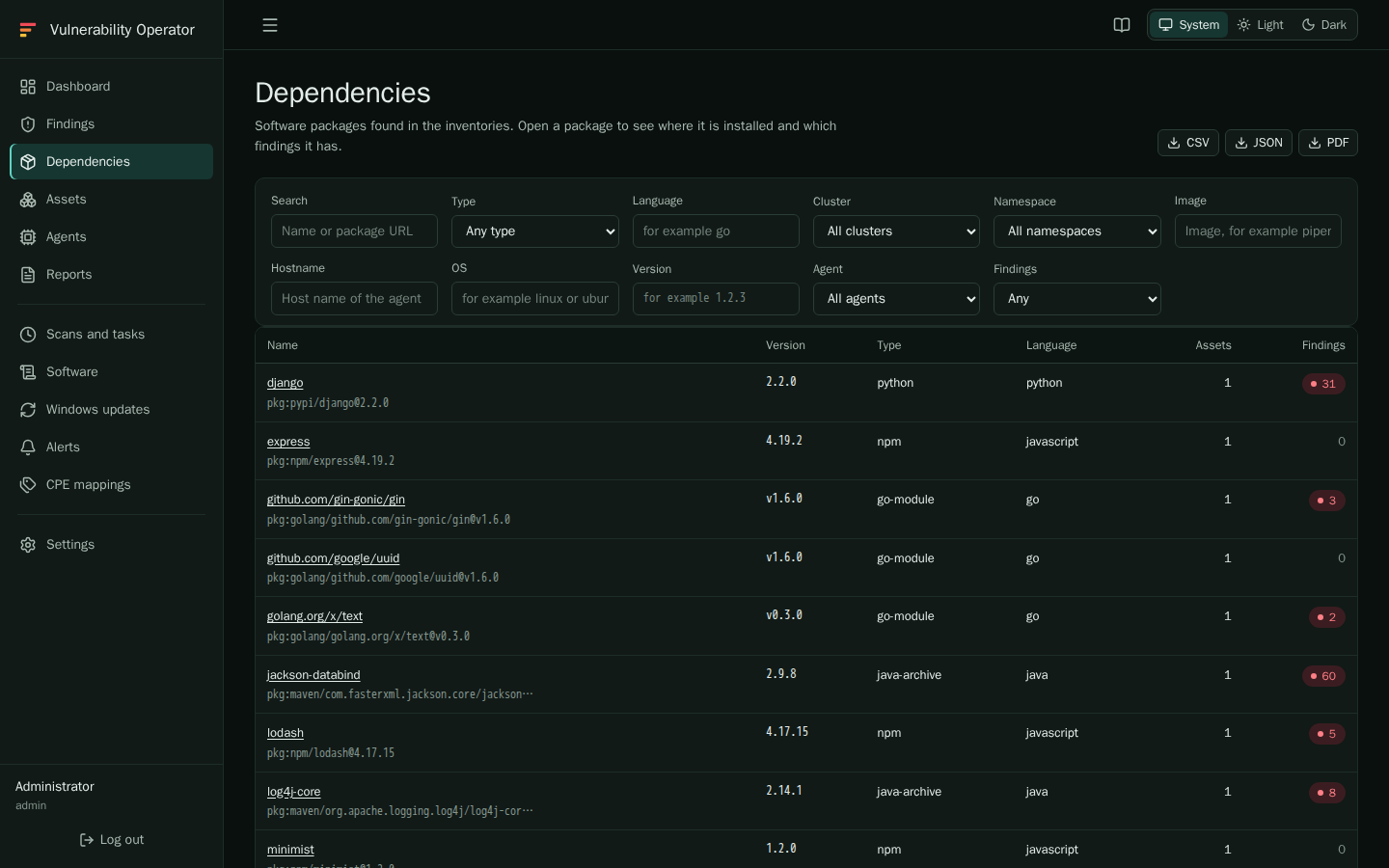
Searching
Use Search with a package name or a package URL, for example pkg:npm/lodash.
The other filters narrow the list further:
- Type is the package type, such as
npm,pypi,maven,golang,deborrpm. - Language is the programming language, where one applies, such as
go. - Cluster, Namespace and Image limit the packages to containers that match. Hostname and OS limit them to hosts.
- Version matches the installed version.
- Agent shows what one agent reported.
- Findings shows only packages With findings or Without findings.
Each row shows the name, the version, the type and the language of a package, and how many assets it is installed on.
Package details
Select a package to open its page. It shows:
- the package type, language and Package URL, which identifies the package across tools;
- Installed on: every host and container that reports the package, with the cluster, namespace, container, image and the time it was collected;
- Findings: the vulnerabilities this package has on each of those assets, with the severity, the location and the first-seen time.
If a package is installed on many assets, the findings table on the detail page is the fastest way to find out which of them to upgrade first.
When a package is missing
The list only contains packages that an agent has reported. If you expect a package and do not find it:
- Check the Agent filter; the package may be on a host that has not reported yet.
- Check the Assets page; the host may show Scan pending or may be missing an inventory.
- Ask an administrator whether the agent collects that package manager. See Agent configuration.