Alerts
The server sends alerts when something needs attention: a new finding that matches a rule, or an agent that has stopped reporting. The Alerts page shows where alerts go, which rules send them, and what was sent.
The page has three tabs. You can read all of them if your roles include alert viewing; changing them needs the alert management permission, which only some administrators hold.
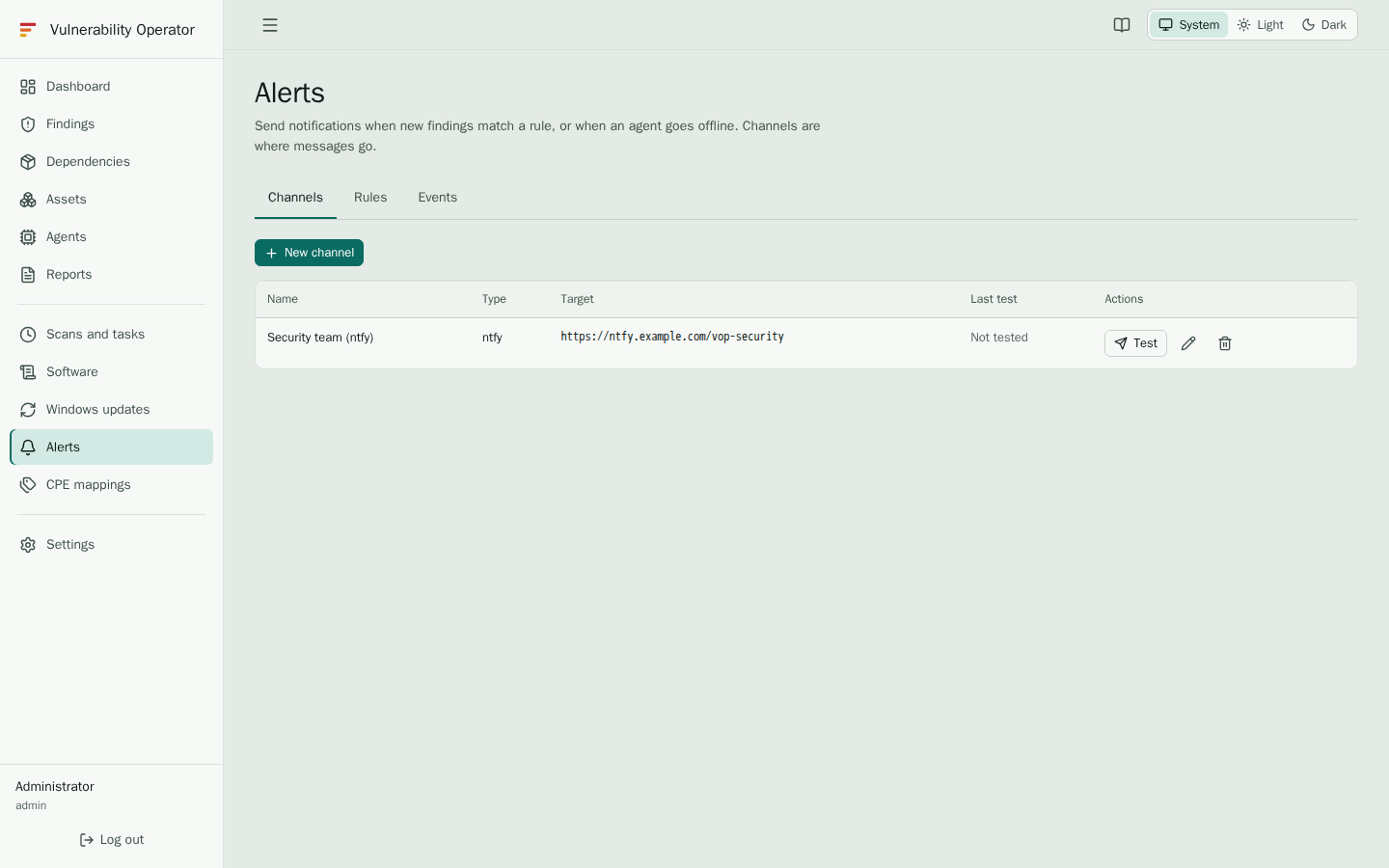
Channels
A channel is a destination: an ntfy topic, a Gotify application, a Slack, Teams or Discord webhook, or an e-mail address through SMTP. The table shows the name, the type, the target, whether the channel is enabled, and the result of its last test. Secrets such as tokens and passwords are masked.
Rules
A rule decides which events are sent, and to which channels.
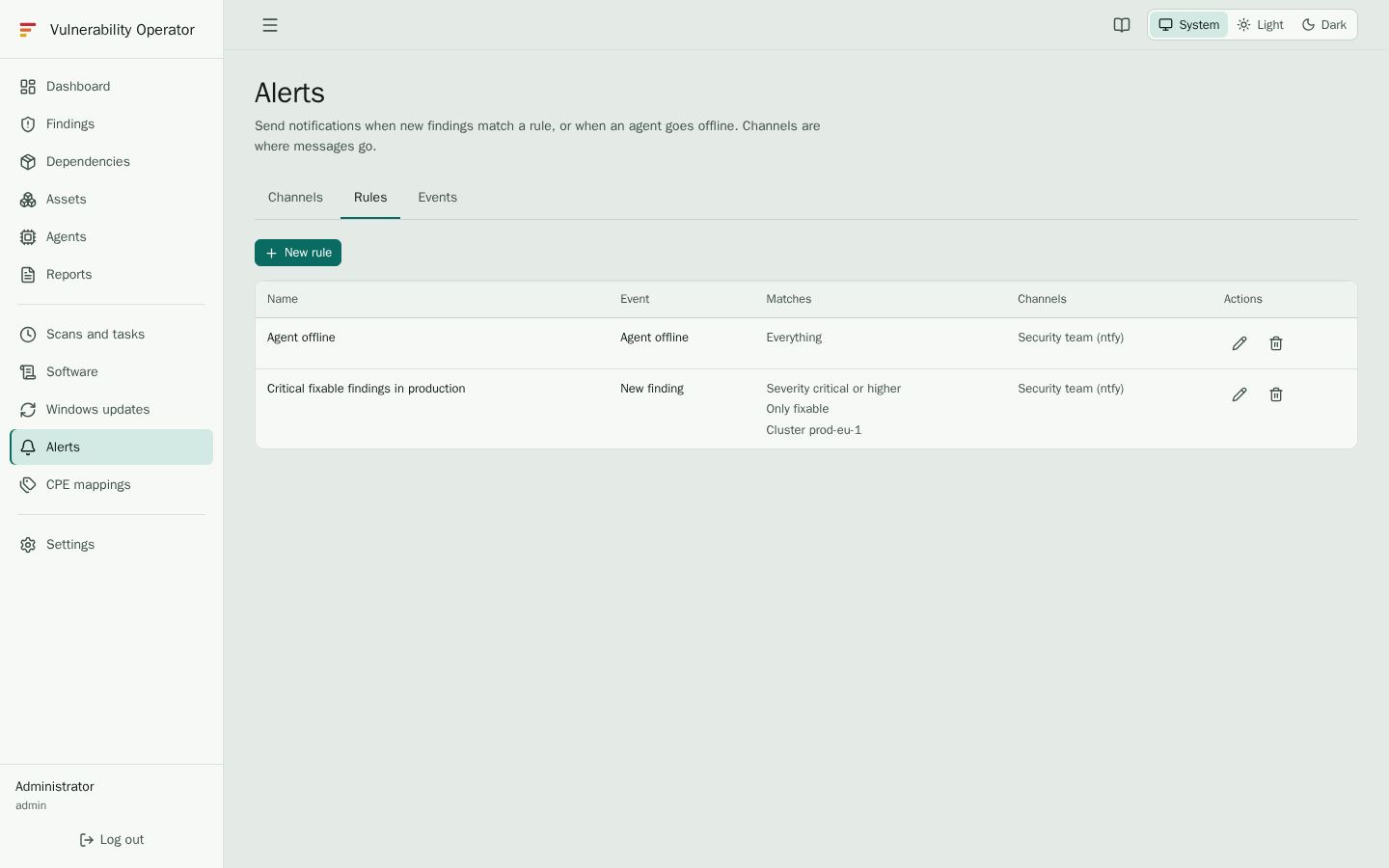
- New finding rules match findings by minimum severity, CVE and package patterns, cluster, namespace, agent type and whether the finding is fixable. A rule sends one alert per newly seen finding. When many findings match at once, they are summarised in one message.
- Agent offline rules send one alert per offline episode: when an agent stops reporting, not each time the check runs.
- Unallowed software rules send one alert for each package that a host installs or updates to a version outside the allowed list. The rule only chooses the channels. See Software.
The table shows what each rule matches and the channels it sends to.
Events
The Events tab is the delivery log. Each row is one message the server tried to send.
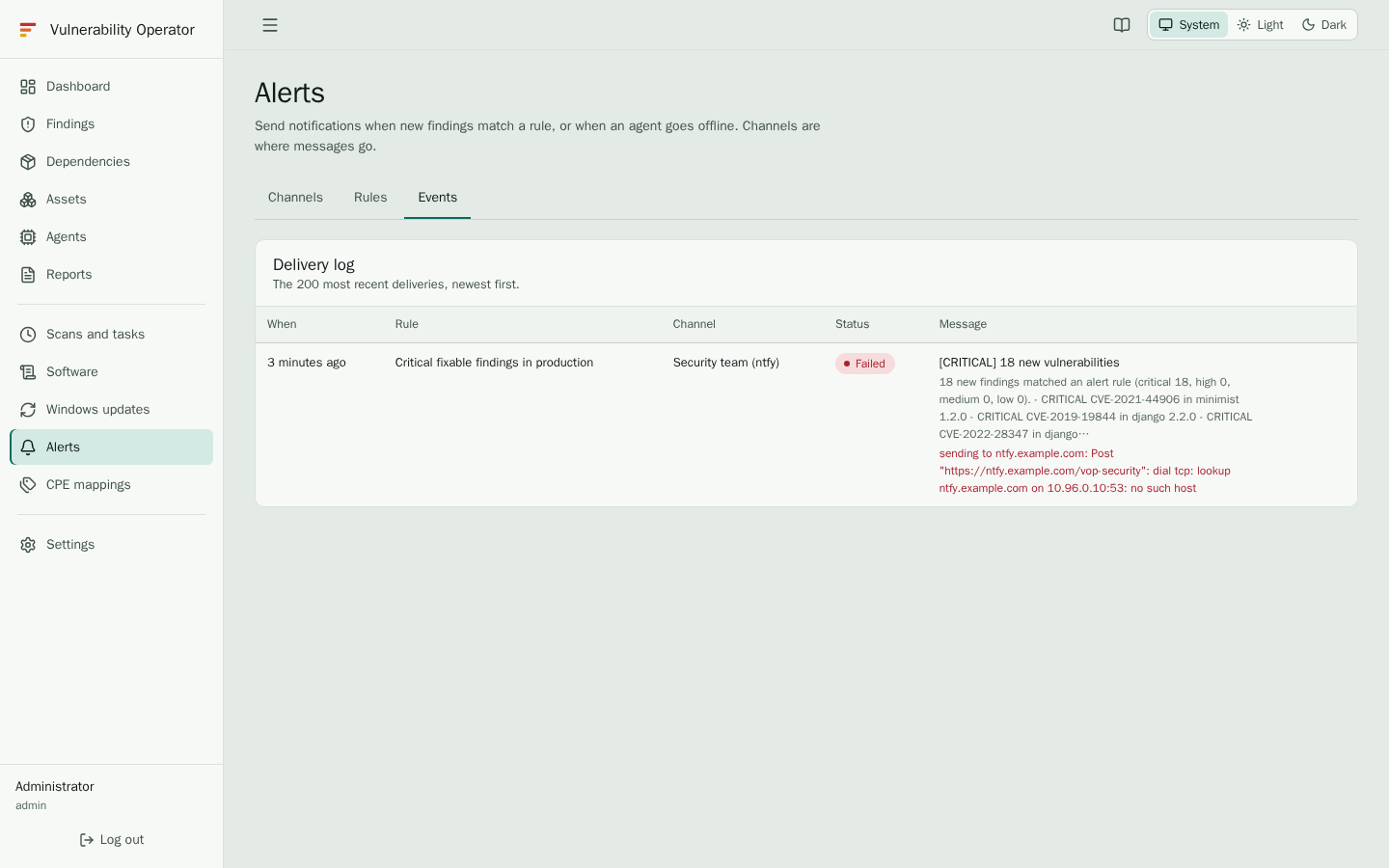
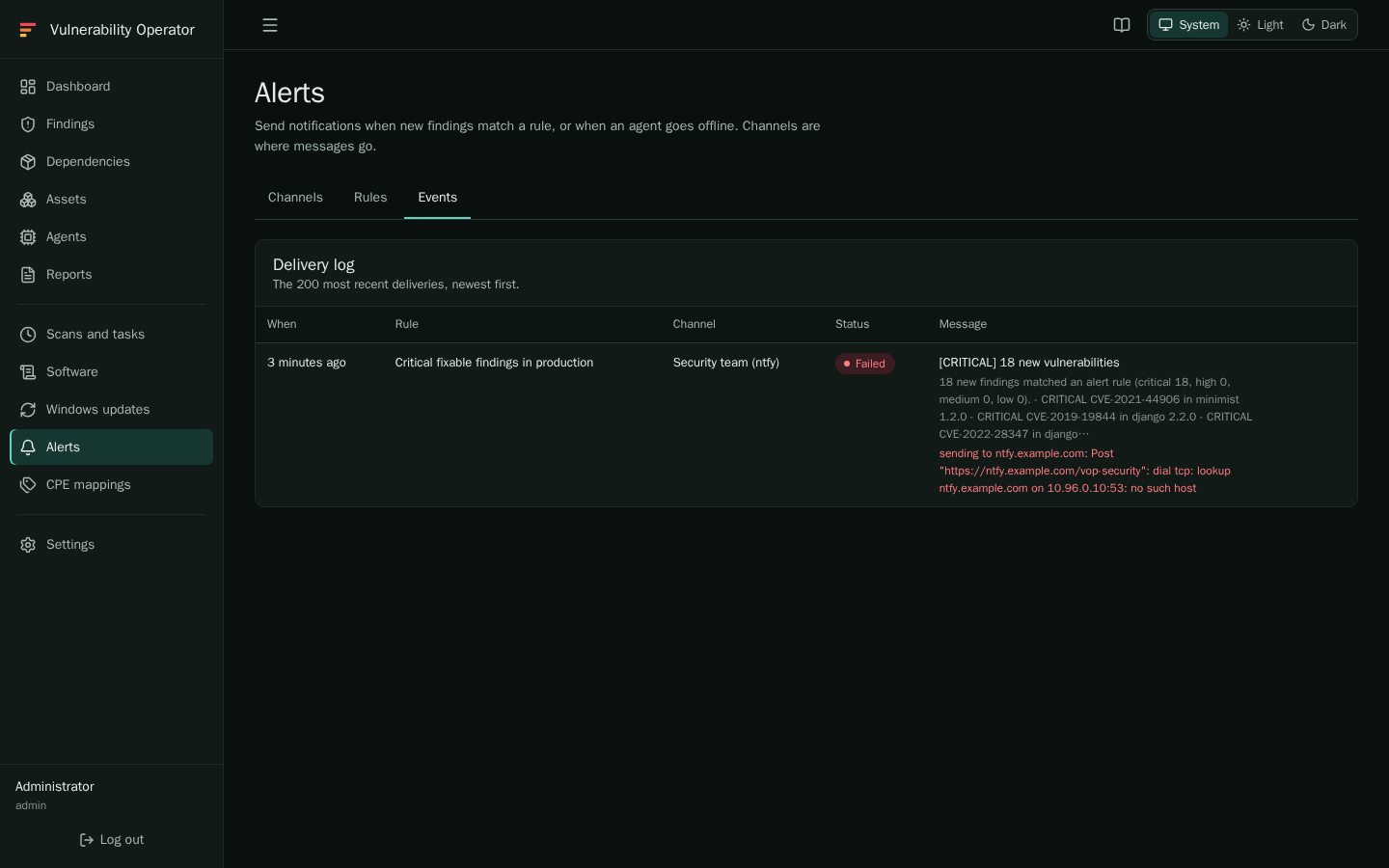
| Column | Shows |
|---|---|
| When | The time the event was sent. |
| Rule | The rule that matched. |
| Channel | The channel the message went to. |
| Status | Whether the channel accepted the message. A failed delivery shows its error. |
| Message | The text that was sent. |
If you expect an alert that is missing from the log, check that the rule is enabled, that its filters match the finding, and that the channel is enabled. Your administrator can see the delivery errors in more detail; see Alerts and channels.