Sign in
Open the address of the server in a browser. Without a session you see the sign-in page.
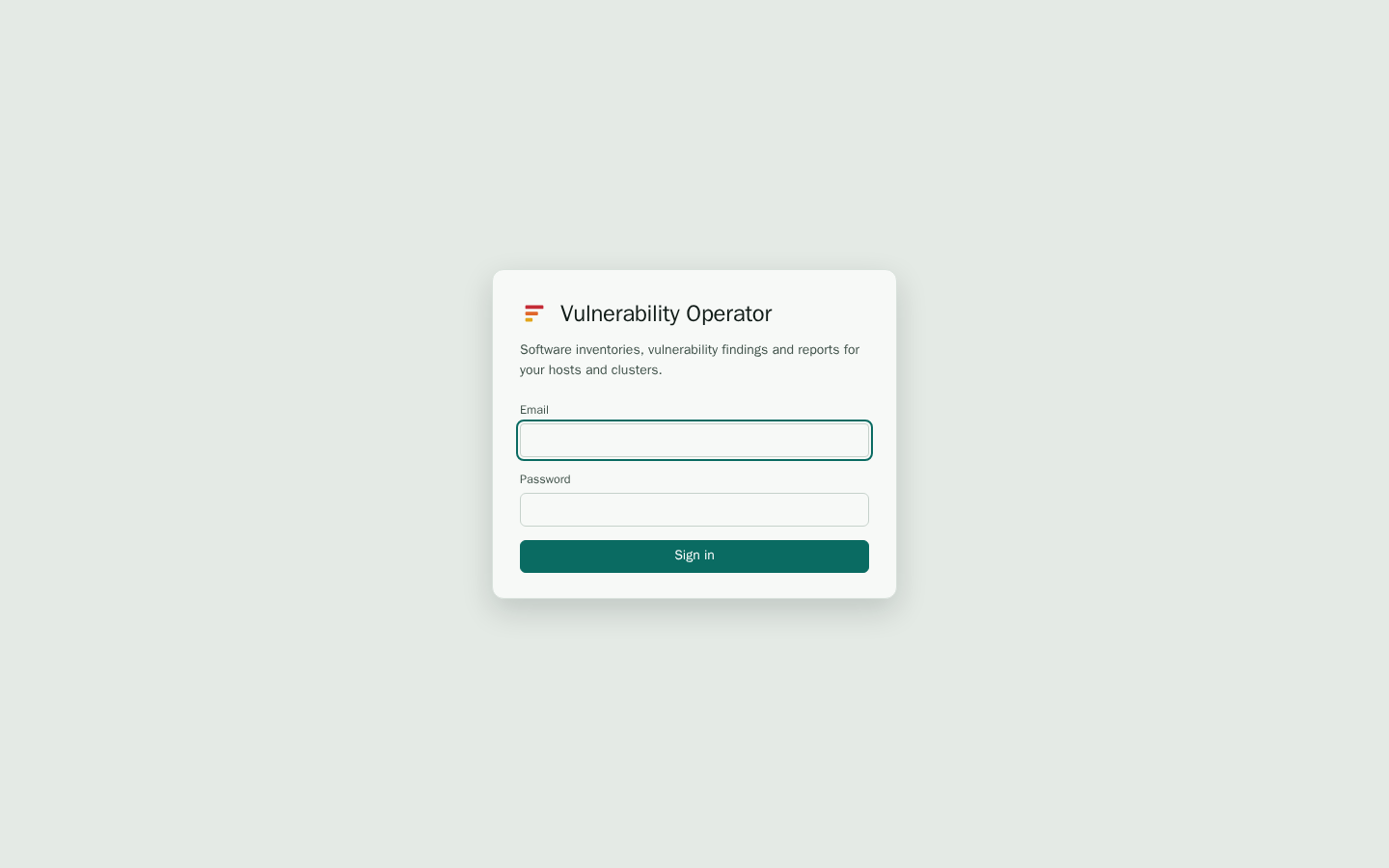
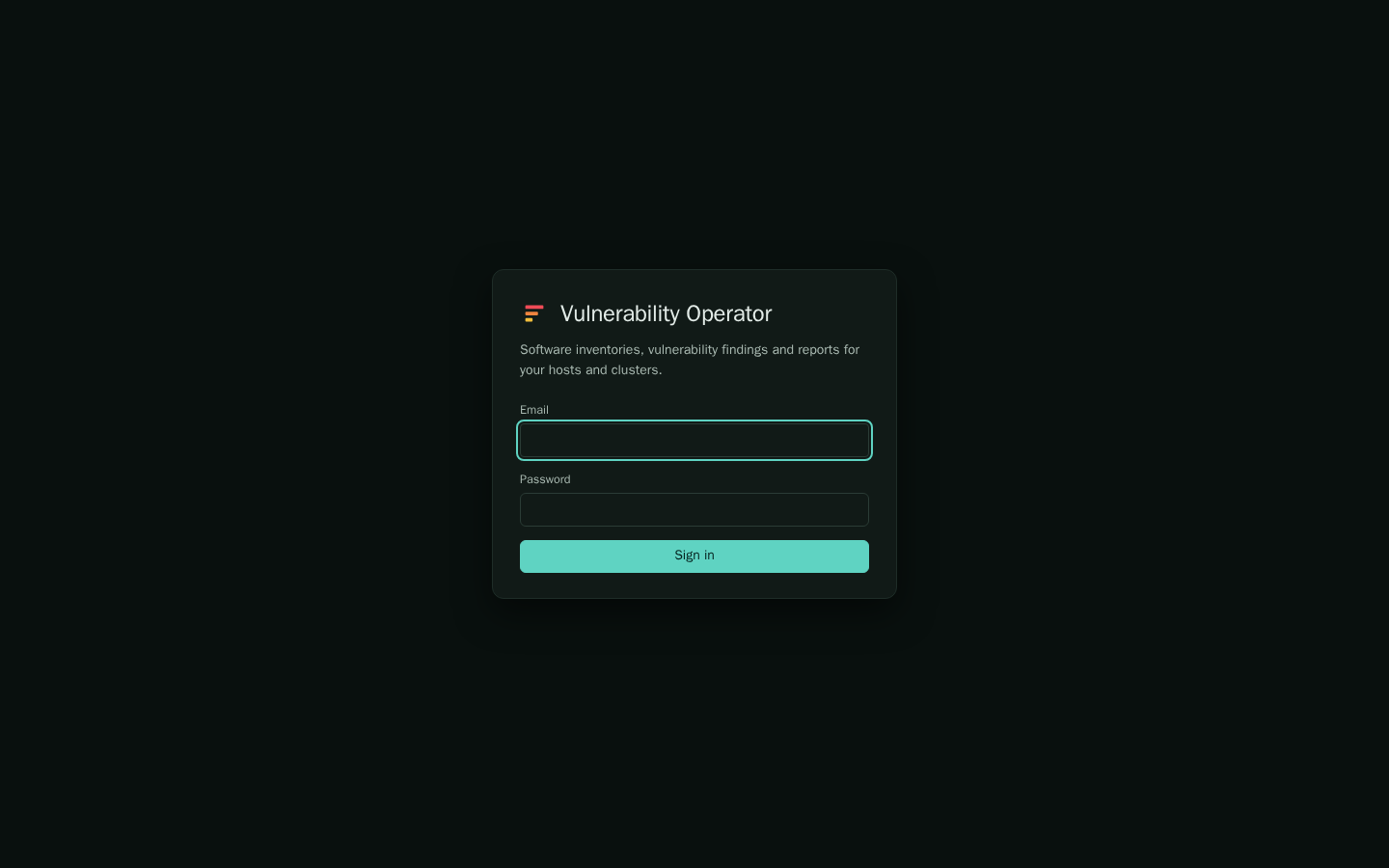
With a password
Enter your e-mail address and password, then select Sign in. Your administrator creates the account and gives you the initial password. If you were given a temporary password, change it on the Account page as soon as you sign in.
With single sign-on
If your organisation uses an identity provider, the sign-in page shows a button with the provider's name, for example Sign in with SSO. Select it, sign in at the provider, and you return to the dashboard. Your roles and the clusters you can see come from your groups at the provider, so they can change the next time you sign in.
Some installations allow only the provider. Then the password form is missing and the browser goes straight to the provider.
How long a session lasts
A session ends after the lifetime set by the administrator, twelve hours by default. When it ends, the next page you open returns you to the sign-in page. Select Log out at the bottom of the side bar to end the session at once.
When sign-in fails
- "Sign in failed" with a password: check the e-mail address and the password. Passwords are case sensitive.
- The provider reports an unverified e-mail address: the server refuses sign-ins whose e-mail address is not verified at the provider. Ask your identity provider administrator to verify the address.
- Signed in, but no pages appear: your account has no role, or none of your groups is mapped to one. Ask an administrator to check your roles.
- Signed in, but the data is empty: your scope may not include any cluster or node. See Users, roles and scopes.
For more causes, see Troubleshooting.