Account
Your account settings are on the Settings page, in the Account section. Every signed-in user can open it.
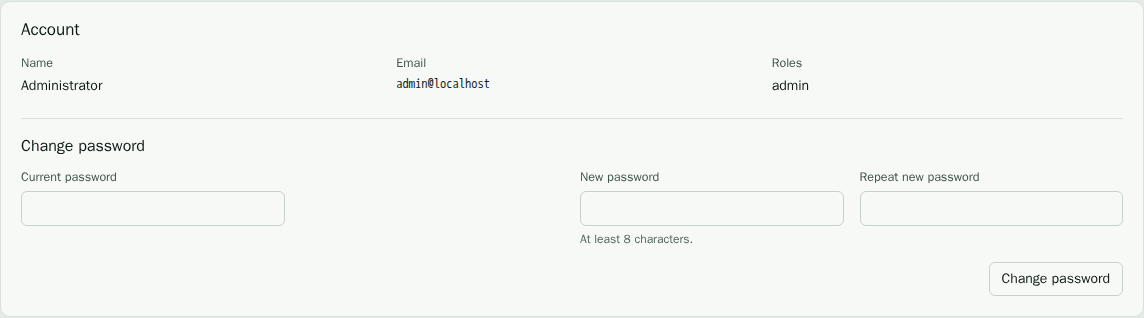
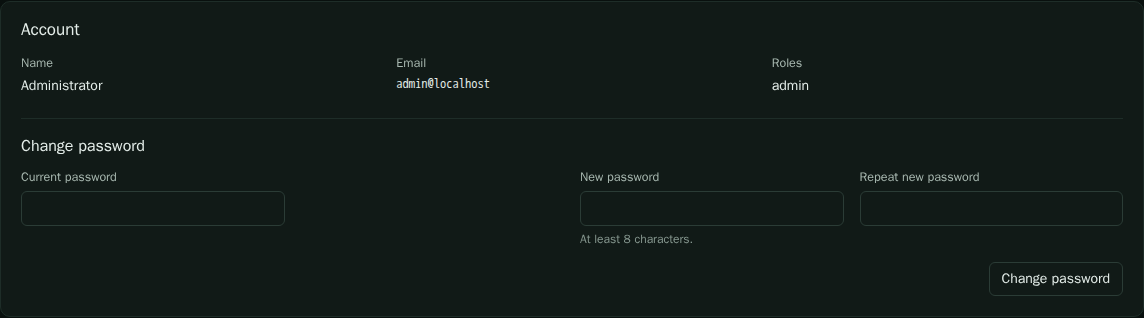
Change your password
Enter your current password, then the new password twice, and save. The new password must be at least eight characters. Changing it does not end sessions that are already open in other browsers; those end when their session expires.
Accounts that sign in through a single sign-on provider manage their password at the provider, not here.
Personal API tokens
A personal token lets a script or an AI assistant act as you. Use one wherever
you would otherwise type your password into a tool. Create a token with a name
that says what it is for, for example ci-export. The token is shown once, when
you create it. Copy it at that point; it cannot be shown again.
Send the token in the Authorization header:
curl -H "Authorization: Bearer vopt_..." \
  "https://vop.example.com/api/v1/findings?severity=critical"
The token has your roles and your scope. It stops working when you revoke it, and the list shows when each token was last used. Revoke a token you no longer use or that may have leaked. The API is described in the REST API reference, and the AI assistant endpoint in the MCP reference.
Revoke a token
Select the revoke action on the token and confirm. The change takes effect at once for every script that uses it.
Open source licenses
The Settings page links to the Licenses page. It lists every Go module in the server and the agents, and every npm package in the web interface, with the license of each. Open an entry to read its license text. Filter the list by name or license.