Kubernetes agents
Two agents run on every node of a cluster, installed by one Helm chart:
- The node agent watches the pods on its node. When a pod starts, it scans the images of the pod's containers and reports them as containers of the cluster. It reads the images from the containerd content store on the node, read-only. It pulls an image from its registry only when the store lacks it: on a Docker or CRI-O node, which has no containerd store, or when the store is missing part of an image. Each image is scanned once per digest, and containers of pods that are gone, and containers that have stopped, are removed.
- The host agent reports the packages of the node itself, read from its package databases, read-only.
The node agent works with containerd, and with Docker and CRI-O nodes by pulling their
images from the registries. Pulls use nodeAgent.registryAuthSecret for private registries.
It does not need Trivy Operator or any other scanner.
1. Add the cluster
Create one registration token per cluster. It is shared by the agents of that cluster.
- Open Agents and select Add cluster.
- Enter the cluster name, for example
prod-eu-1, and create the token. - Copy the token. It is shown once. The token starts with
vopk_.
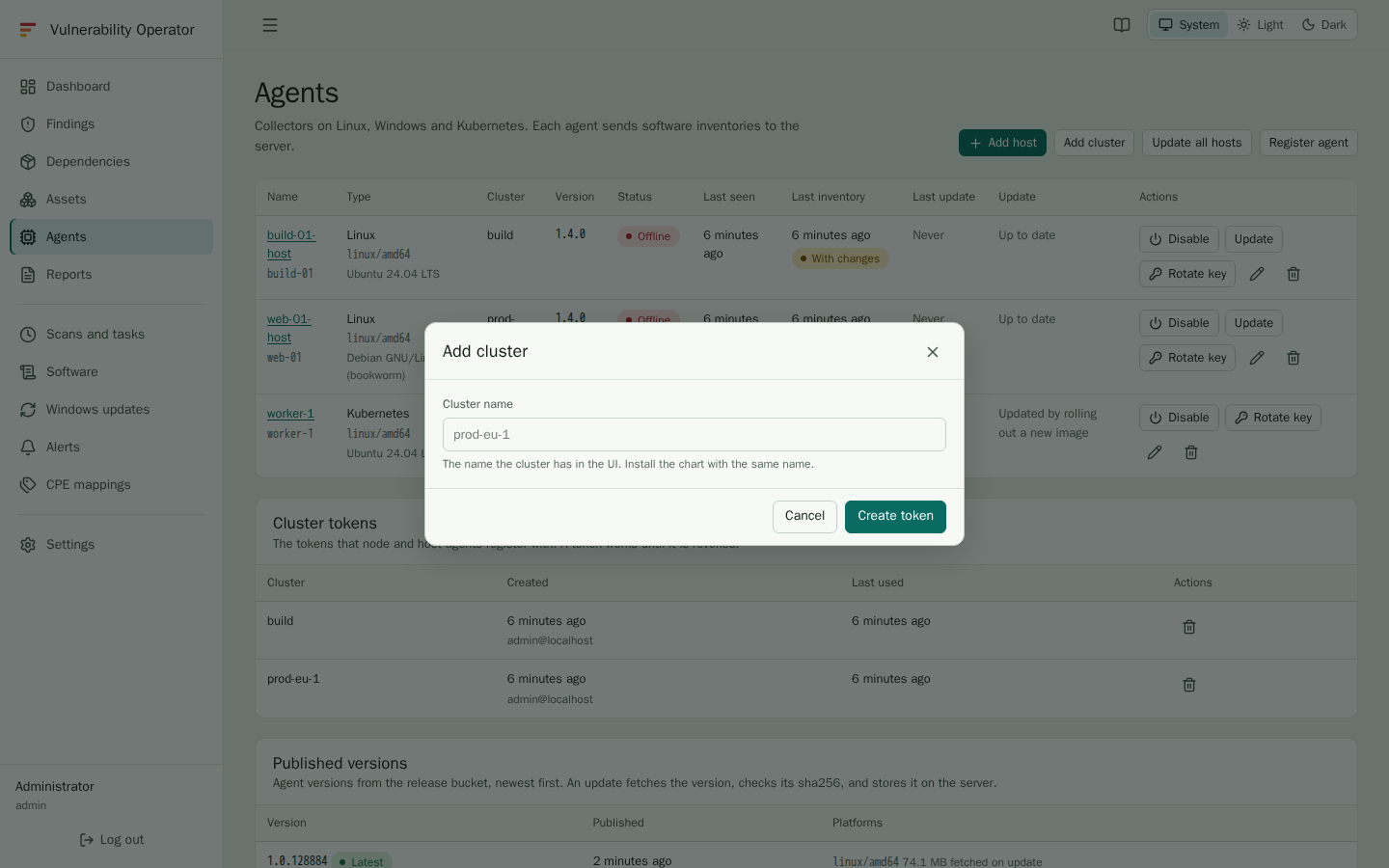
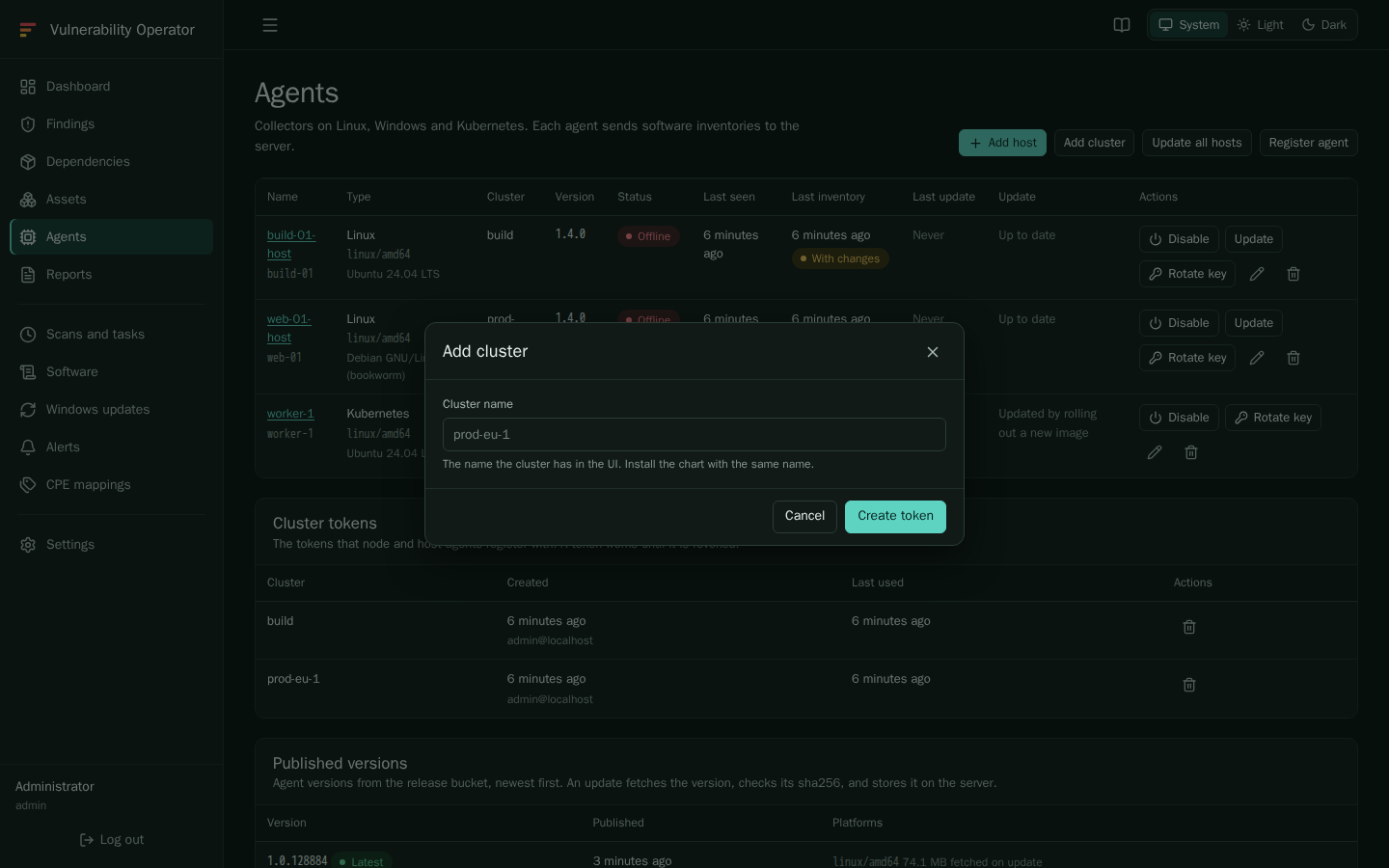
The cluster name cannot be changed in the chart: it is set when the token is created. It can be renamed later in the UI. The containers and their keys follow the new name, but after a rename a node that starts again is refused by the old token, so create a new one.
A linux agent that has no cluster yet can be given one the same way: edit the agent on the Agents page and enter the cluster name.
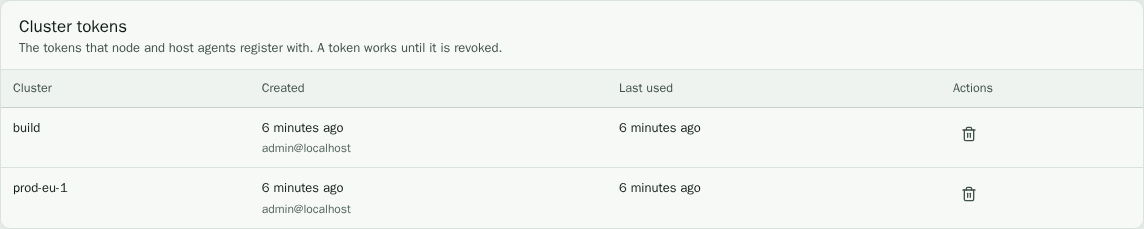
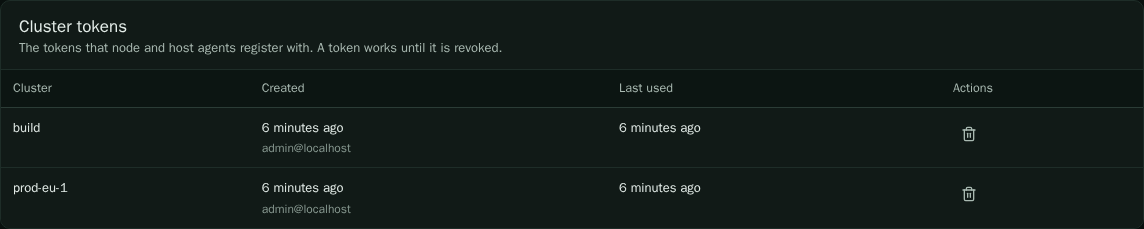
The Cluster tokens list shows each token with when it was created and when it was last used. Delete a token to stop new registrations. The agents that already run keep their keys; an agent that starts again can no longer register.
2. Install the chart
helm install vop-k8s-agent oci://jonasled.dev/jonasled/vulnerability-operator/charts/vop-k8s-agent \
  --version 0.1.7 \
  --namespace vop --create-namespace \
  --set server.url=https://vop.example.com \
  --set cluster.name=prod-eu-1 \
  --set cluster.registrationToken=vopk_...
To keep the token out of the release values, create a secret with the key
registrationToken and set --set cluster.existingSecret=<secret name> instead of
cluster.registrationToken.
The chart creates a DaemonSet for the node agent and one for the host agent, the service account and the RBAC the agents need. No key is set per node: each agent exchanges the cluster token for a key of its own when it starts.
Each agent is named after its node, and the host agent gets a -host suffix, because
agent names are unique. The server creates the agents on first use.
The values that matter most:
| Value | Purpose |
|---|---|
server.url | The address of the server the agents report to. |
server.insecureSkipVerify | Skip the check of the server certificate. Only for test systems. |
nodeAgent.containerdRoot | The containerd root on the node, /var/lib/containerd by default. |
nodeAgent.excludeNamespaces | Namespaces whose pods the node agent does not report. Empty by default. Their containers are removed from the server at the next sync. |
nodeAgent.enabled, hostAgent.enabled | Turn either DaemonSet off. |
hostAgent.inventoryInterval | How often the host agent sends its inventory, 6h by default. |
Check the containerd root of your nodes before you install. Some distributions keep it elsewhere.
Talos Linux
Talos works too. Talos has no shell and no package manager, so no host agent can read its packages. The node agent reports the node itself, as a host named after the node, in the agent's cluster. It recognises Talos by the OS image in the node object.
It reports:
- Talos, the Linux kernel and the kubelet, from the node object. The kernel is in no file of the root filesystem, and the kubelet runs from an image of its own.
- The rest of the operating system, such as runc, containerd, musl, openssl, udev and
iptables, from the SBOM that Talos ships in
/usr/share/spdx.
Install with the Talos values file:
helm install vop-k8s-agent ... -f deploy/helm/vop-k8s-agent/values-talos.yaml
The file mounts /usr and /opt of the node read-only for the node agent, and turns the
host agent off, which would only add an empty second host. Without those mounts, a Talos
node is reported from the node object alone.
Talos enforces the baseline pod security level, which forbids host paths. Label the namespace for the agent first:
kubectl label namespace vop pod-security.kubernetes.io/enforce=privileged
Images of pods are found through the pod status, so an image that no pod uses is not reported. Node agents are not updated in place: roll out a new chart or image instead.
Updates
Container agents never update themselves: a change to a file in an image is lost on the next start. Upgrade the release with a newer chart or image instead. The Agents page lists containers as Container, updated by image.
Check it
After the install the node agents appear on the Agents page, one per node, with their cluster and version. The containers appear on the Assets page within a few minutes, once their pods have been seen and their images read.