Install with Docker Compose
The repository's docker-compose.yml starts the whole stack on one machine:
Redis, a MinIO-compatible S3 store, the server and the nginx frontend. It is the
quickest way to try the product and a reasonable base for a small installation.
Start the stack
From a checkout of the repository:
export INITIAL_ADMIN_PASSWORD='choose-a-long-password'
docker compose up --build
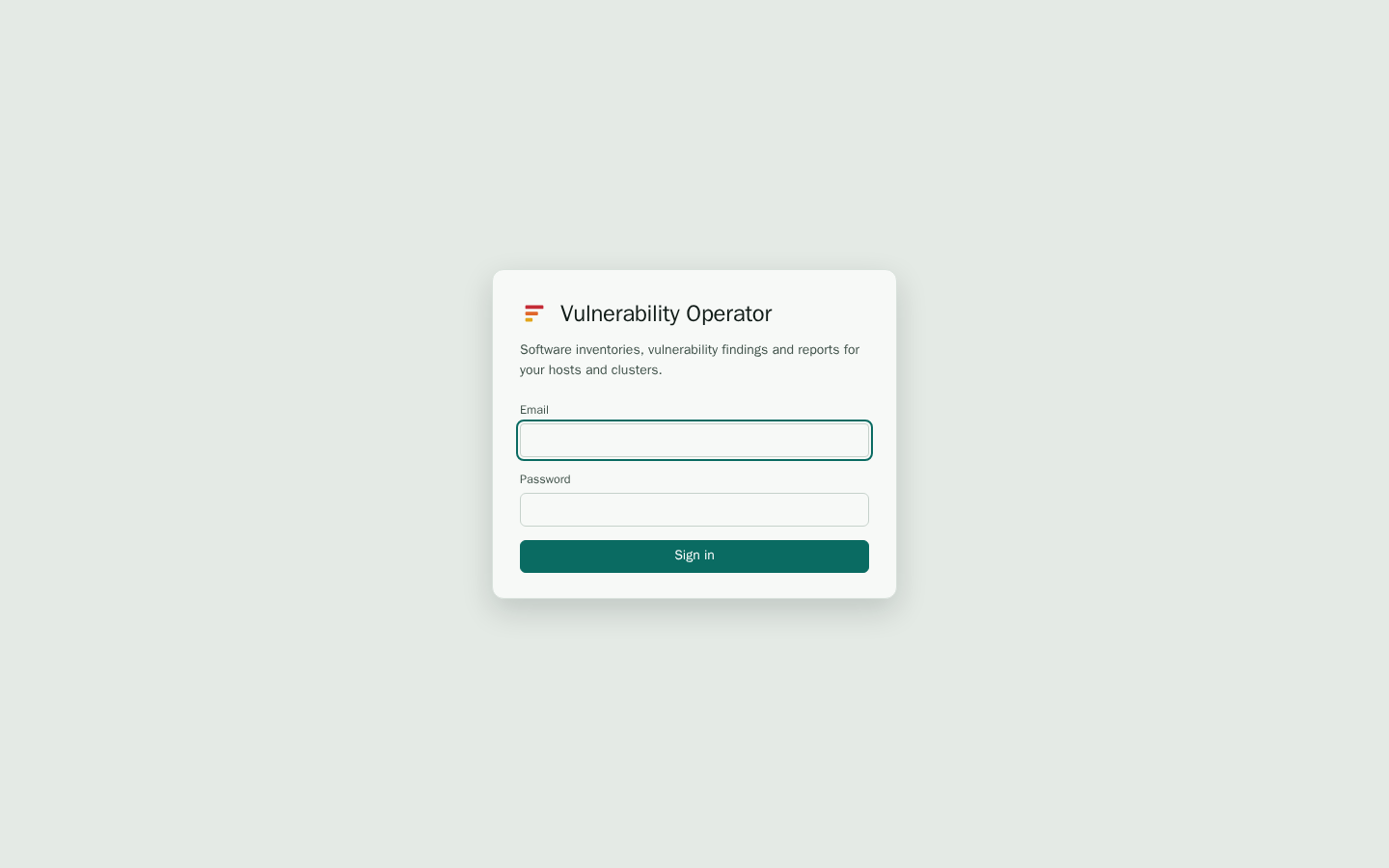
Then open http://localhost:8080 and sign in as admin@localhost. If you left
INITIAL_ADMIN_PASSWORD empty, the server log prints the generated password on
the first start:
docker compose logs server | grep -i password
The services are:
| Service | Port | Purpose |
|---|---|---|
frontend | 8080 | The web interface. nginx forwards /api, /swagger and /mcp to the server. |
server | internal | The API and the workers. |
redis | internal | Redis 8. Data is kept in a volume. |
minio | 9001 | The MinIO console. The S3 API is internal. |
Data
Three named volumes hold the state:
server-datais mounted at/data. It holds the SQLite database, the Grype vulnerability database and temporary uploads. Keep it: losing it means a new vulnerability database download and the loss of the inventories.minio-dataholds the SBOMs, reports and agent binaries.redis-dataholds locks, caches and the job queue.
Back up server-data and minio-data together. See Operations.
Changing the defaults
Before you use the stack for real data:
- Set
INITIAL_ADMIN_EMAIL,INITIAL_ADMIN_PASSWORD, and the S3 and MinIO credentials (S3_ACCESS_KEY,S3_SECRET_KEY). The defaults in the compose file are for a local trial only. - Terminate TLS in front of the frontend. The compose file serves plain HTTP on port 8080,
so put a reverse proxy with a certificate in front of it. Set
PUBLIC_URLto thehttps://address people use. Single sign-on needs it too, because the provider redirects back to it. See Security. - Pick a database for growth. SQLite fits one server with a single writer. For more
than that, use PostgreSQL with the
workerrole. See Configuration.
Running the server without compose
The server is one binary, vop-server, that can run anywhere it reaches Redis and an
S3 endpoint. Environment variables are the same as in compose; see the
environment reference. A .env file in the working
directory is read at start.
make build               # bin/vop-server and the agents, with the UI embedded
VOP_ROLE=all bin/vop-server
Updating
Pull the new images and run docker compose up --build -d. The server applies its
database migrations when it starts. Back up server-data first.