Team and roles
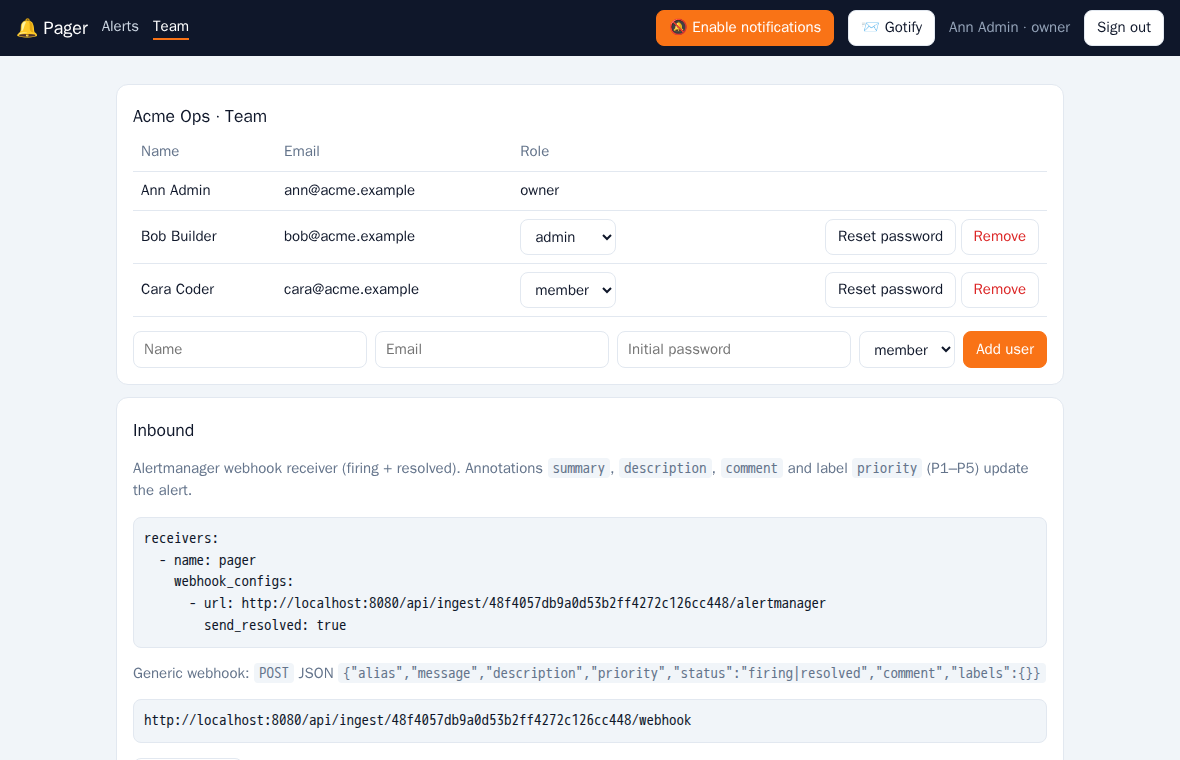
| Role | Can |
|---|---|
| owner | Everything. Created at registration, cannot be changed or removed |
| admin | Add, change and remove users, see and rotate the inbound token |
| member | Work with alerts |
Admins add users with a name, email and initial password, and can change a role, reset a password or remove a user. Removing a user unassigns their alerts and deletes their push subscriptions. Email addresses are unique across all tenants.
Every query is scoped to the tenant of the signed-in user, so tenants never see each other's alerts or users.
Passkeys
Under Team → Passkeys every user can add passkeys (fingerprint, face, device PIN or a security key). On the sign-in page Sign in with a passkey then logs in without email and password, so the password is only a fallback. Passkeys need HTTPS (or localhost) and are bound to the site's domain. Remove a lost device's passkey from the same card.