Push notifications and PWA
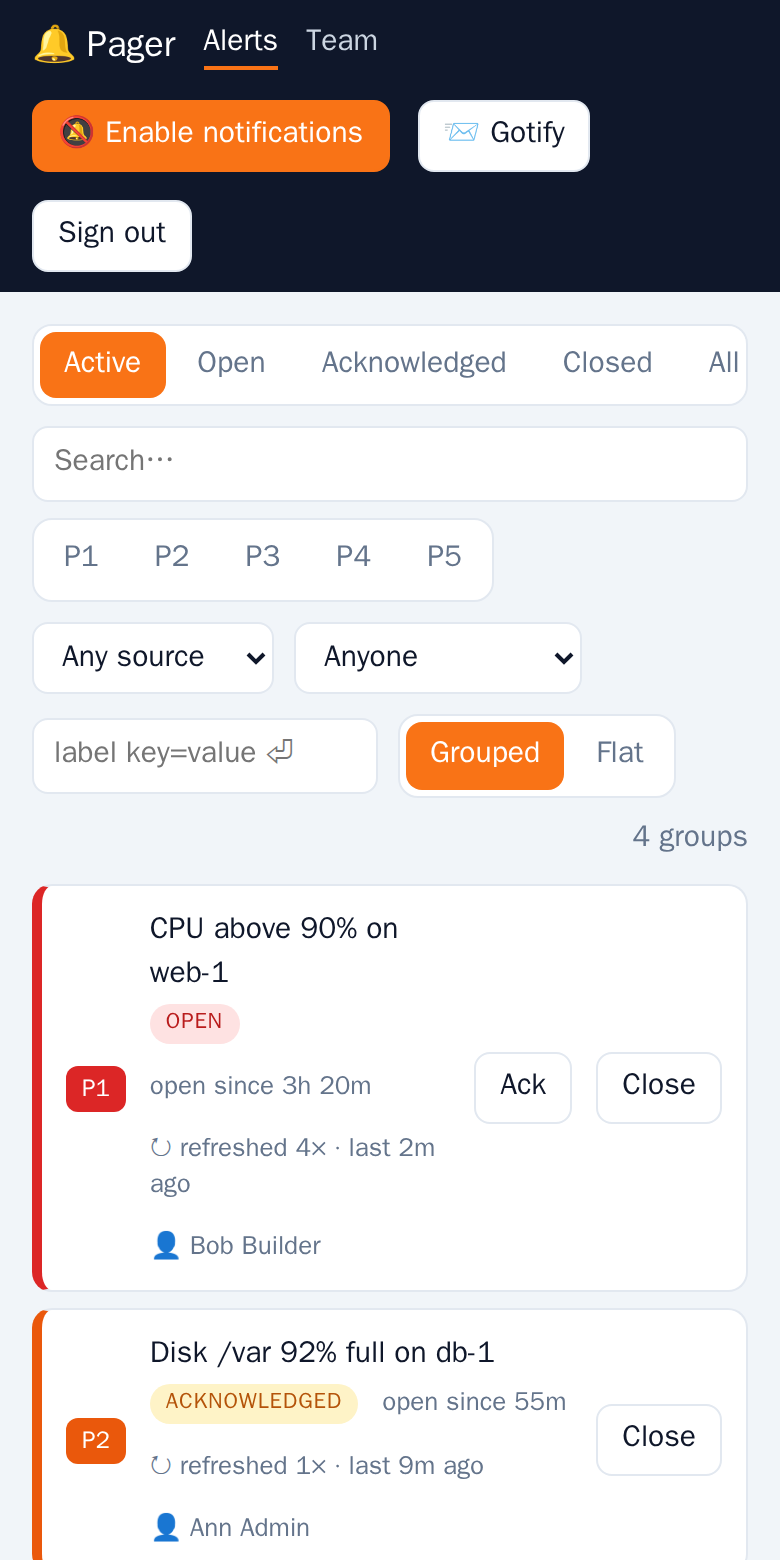
The UI is a Progressive Web App. Install it from the browser menu (Add to home screen / Install).
Updates
A new version is never applied behind your back. The app checks for one every 30 minutes and when you come back to it; if there is one, a bar A new version of Pager is available appears. Click Update now when it suits you and the app reloads with the new version.
Turn on notifications
Click Enable notifications in the header and allow the permission. Each device subscribes on its own. Web Push needs HTTPS (or localhost).
Once enabled, Send test in the header sends a test notification to all your devices.
Who gets what
| Event | Receivers |
|---|---|
| New alert | All users of the tenant who enabled notifications |
| Assigned to you | You |
| Alert you are assigned to was resolved | You |
Notifications are titled [P1] message. One alert always uses one notification slot, so a newer update replaces the older one. New-alert notifications have Acknowledge and Close buttons that act on the alert without opening the app. Tapping the notification opens the alert.
Dead subscriptions (browser reports gone) are removed automatically.